
Check Routes
Confirm the route address before entering account information.
TENJL Account Safety helps users build safer habits around route access, passwords, device use, privacy checks and support communication. A digital entertainment platform is easier to use when account protection is clear.
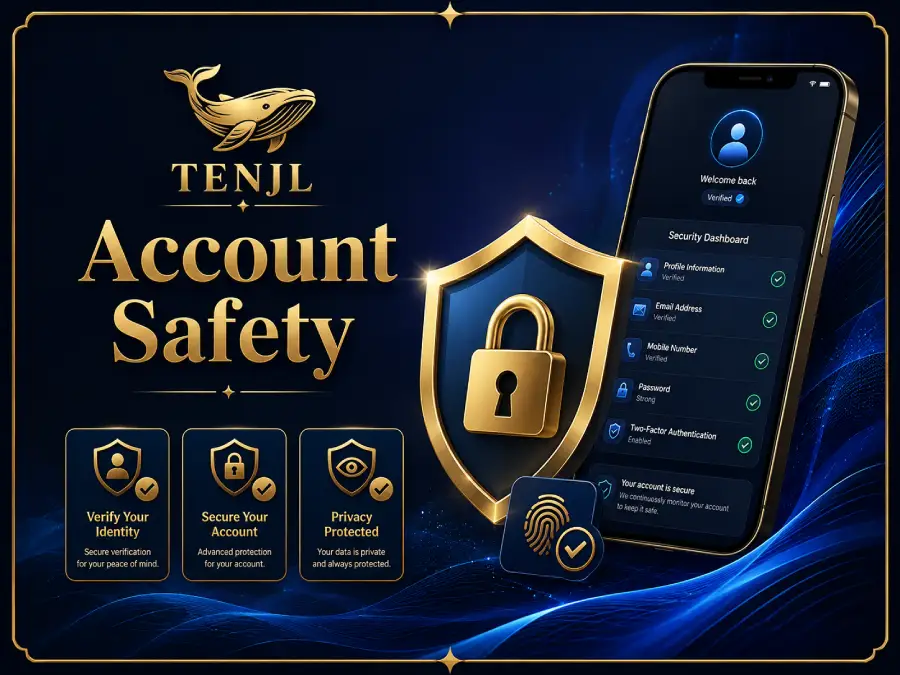
Users often move quickly from links to login pages, app areas and support channels. TENJL places account safety in its own section so visitors can review basic protection habits without relying on scattered reminders.
Confirm the route address before entering account information.
Choose passwords that are not reused across unrelated websites.
Use trusted devices whenever possible, especially for account access.
Check profile settings and activity notices when something looks unfamiliar.
Do not share private details through unknown chats, links or messages.
Keep digital entertainment part of a healthy daily routine.
Route checking is one of the simplest account safety habits. Users should look at the address before submitting information, especially when moving from messages, search results or bookmarks. If a page looks unusual, trying another route or visiting the help center is a better next step.
Passwords, profile details and account messages should be treated carefully. TENJL encourages users to avoid sharing private information through unknown links and to use personal devices whenever possible.