
Route Loading
Try another route when a page loads slowly or does not respond normally.
The TENJL Help Center is a practical support page for route loading, account access, app setup, profile settings, mobile navigation and safe use reminders. It gives users a place to review common topics without searching through every page.
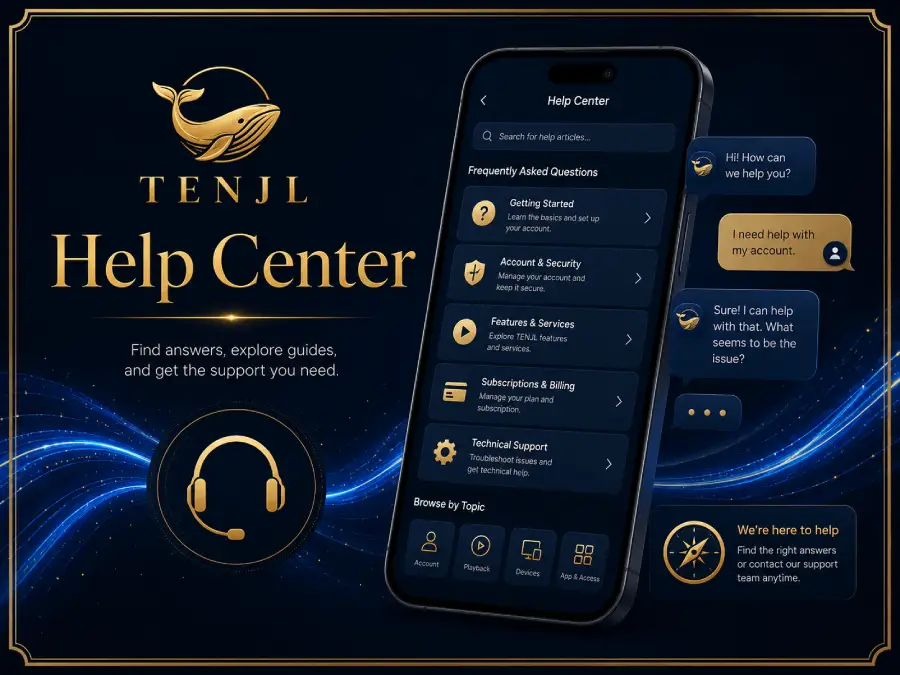
TENJL separates help topics into route, account, app, profile and safety areas. This makes support easier to scan and keeps the page useful for both new and returning users.
Try another route when a page loads slowly or does not respond normally.
Check route address, password privacy and browser state before signing in.
Prepare accurate profile information and complete setup from a trusted device.
Review browser, device and mobile page behavior before continuing into the app area.
Keep profile details current and review notifications or account reminders.
Use safe password habits, privacy checks and trusted support channels.
Mobile users often need quick answers while moving between pages. The help center uses cards and short sections so users can identify the topic first, then continue to login, registration, app access or account safety pages.
Keeping support content on one page prevents repeated explanations across the site. It also makes the homepage cleaner and lets each page focus on its own job.
Try another route, refresh the browser and check your connection before continuing.
The login page and account safety page provide account access reminders.
No. It gives general information and helps users find the right next page or support channel.
Yes. Topics are arranged in cards that are readable on phone screens.